User Setup
-
Once connected to your account, you can access and modify your personal information via the button located at the top right of the screen.
-
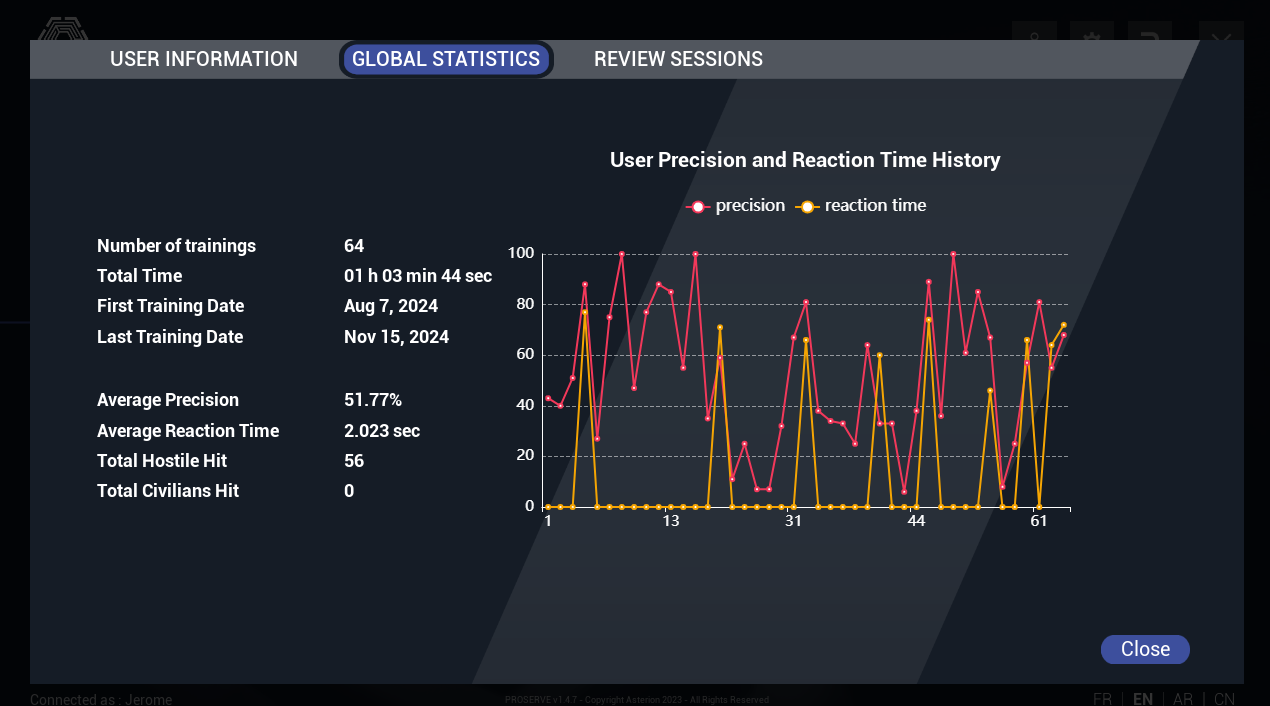
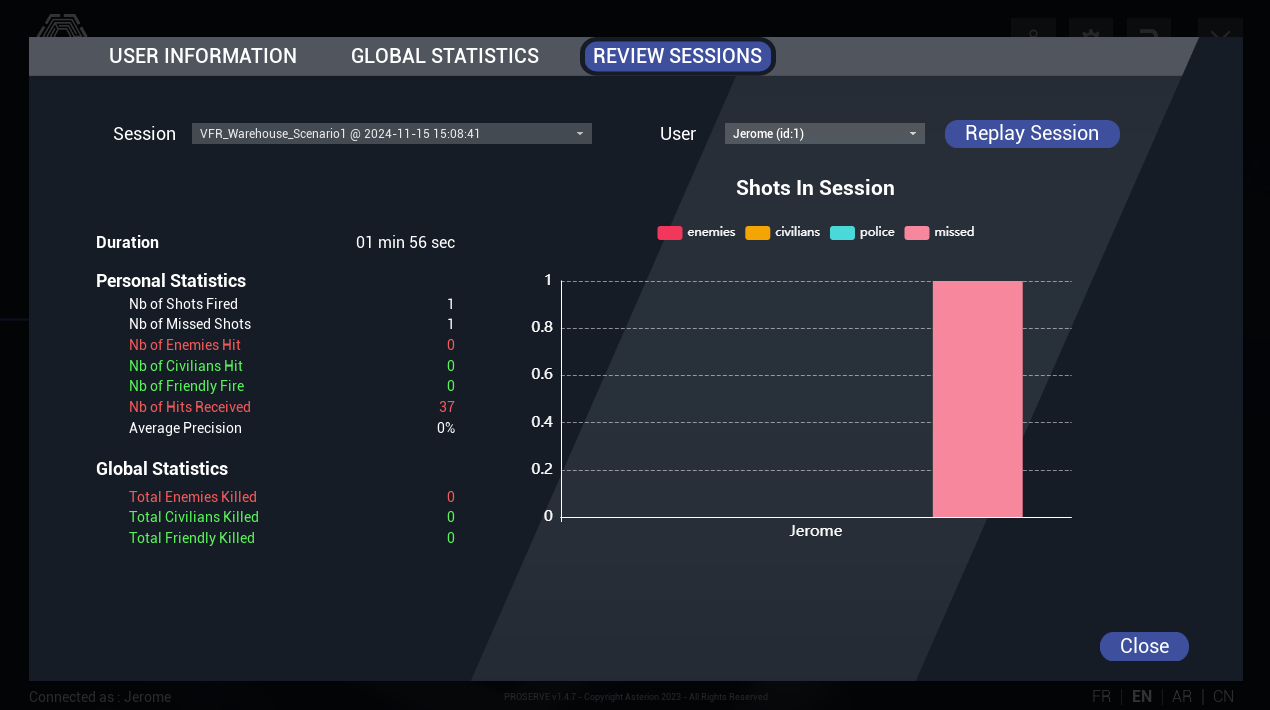
A new screen will open above the main menu, providing you with access to your personal information, preferences, statistics, and recordings of past sessions.
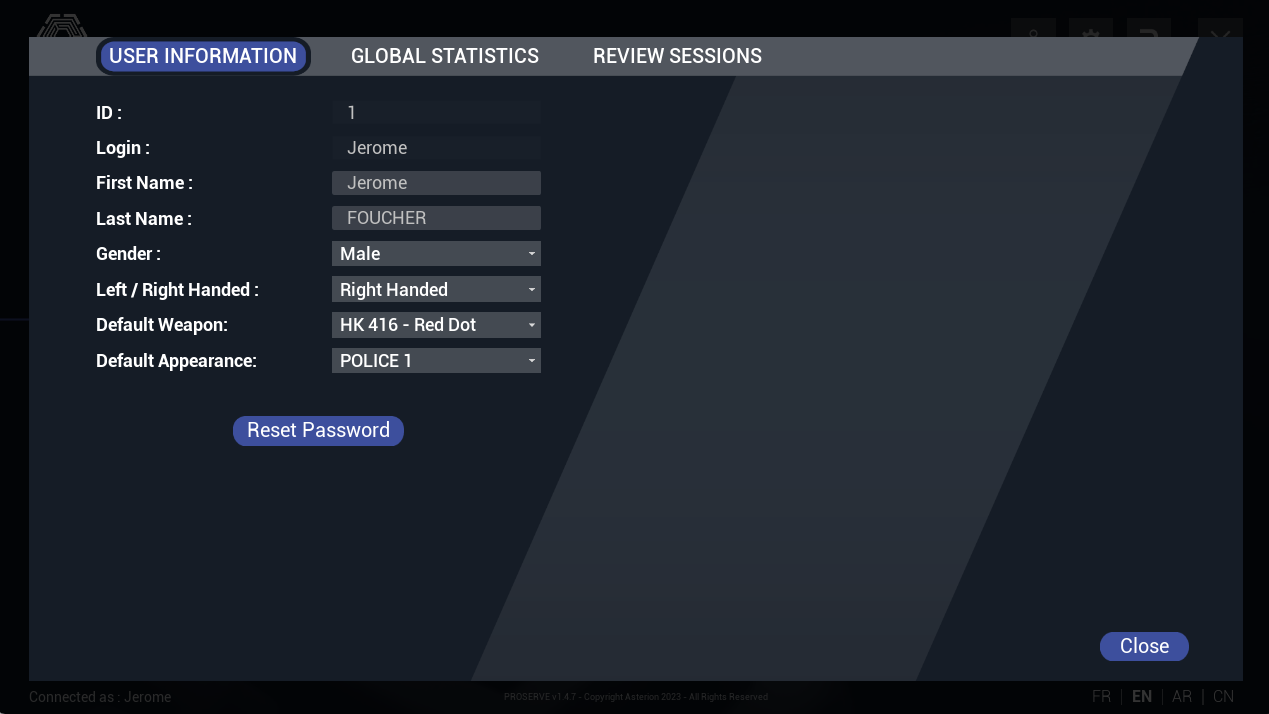
- The backup process is performed automatically when you close the window using the close button.
 This information is only stored on the PROSERVE system and is not transferred over the Internet.