Scenario
Single Trainee Pack
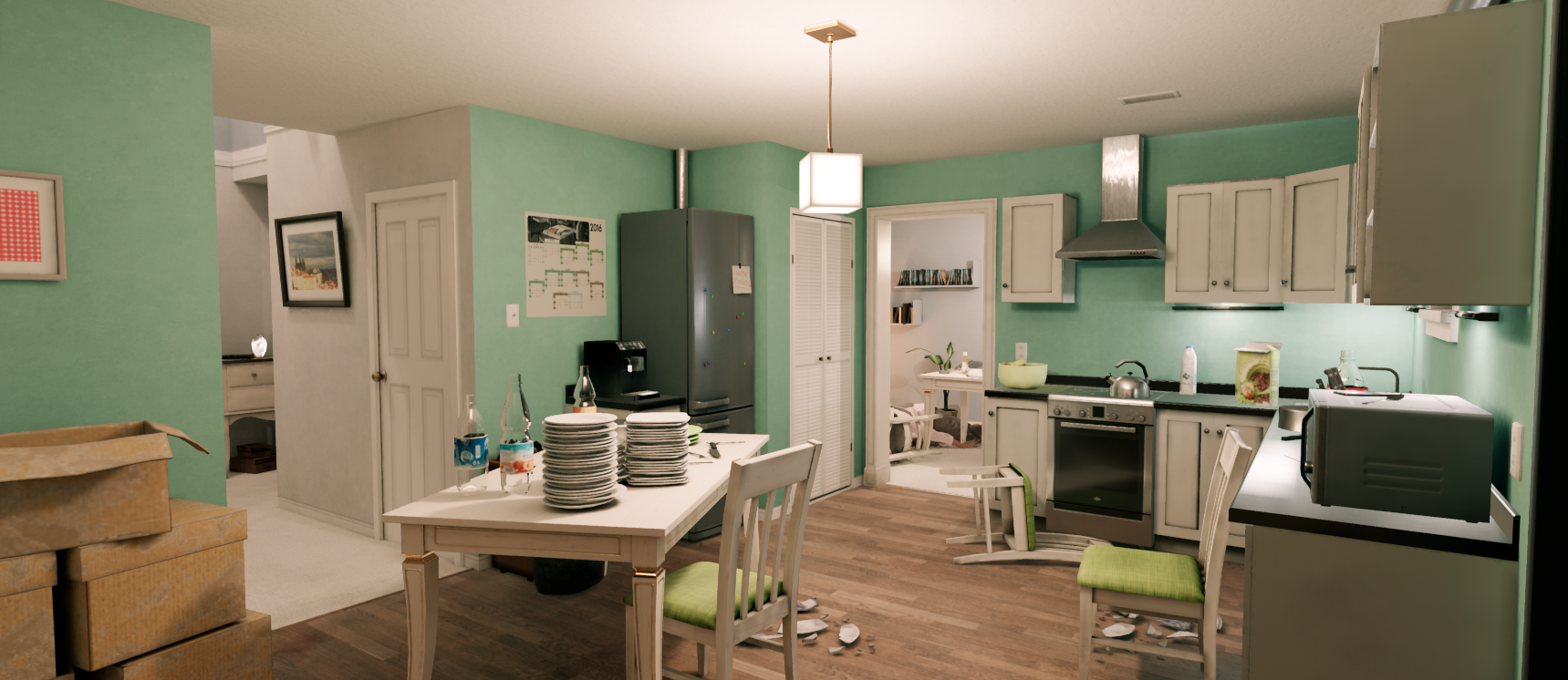
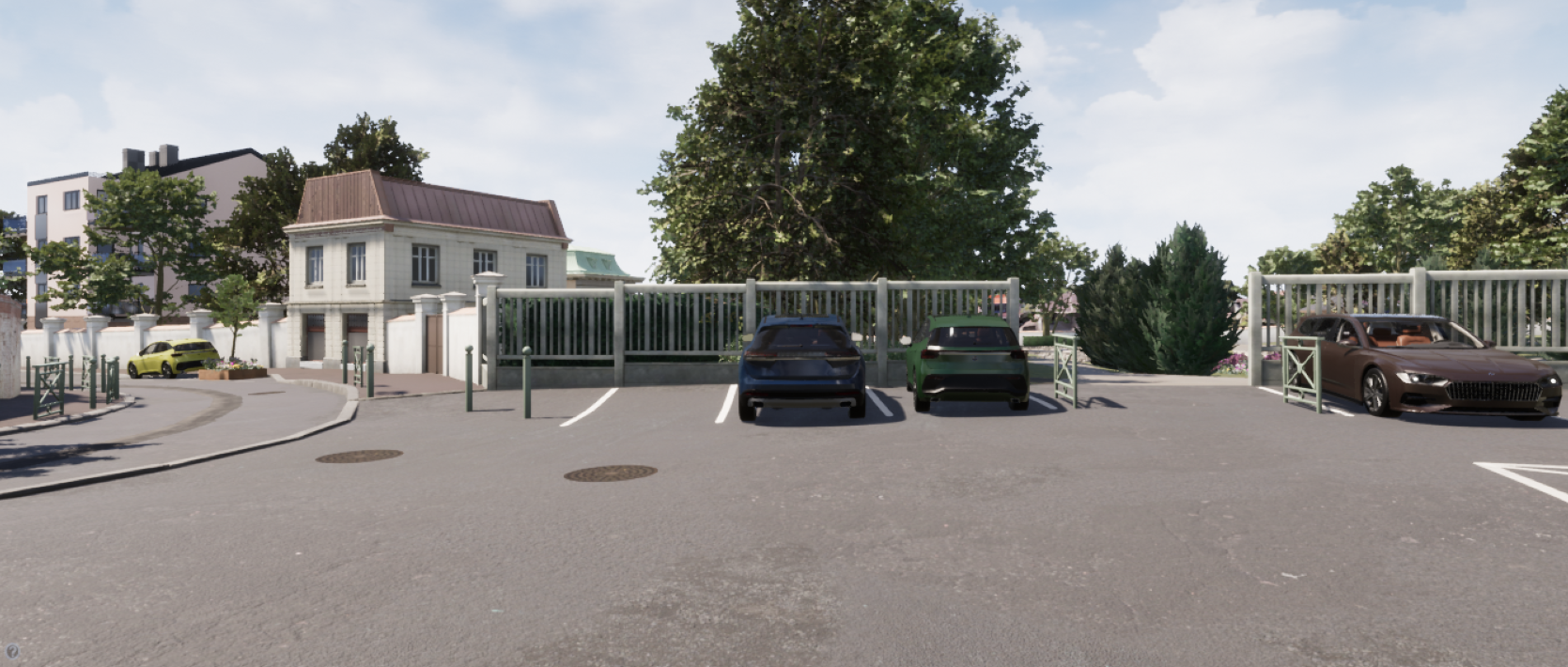
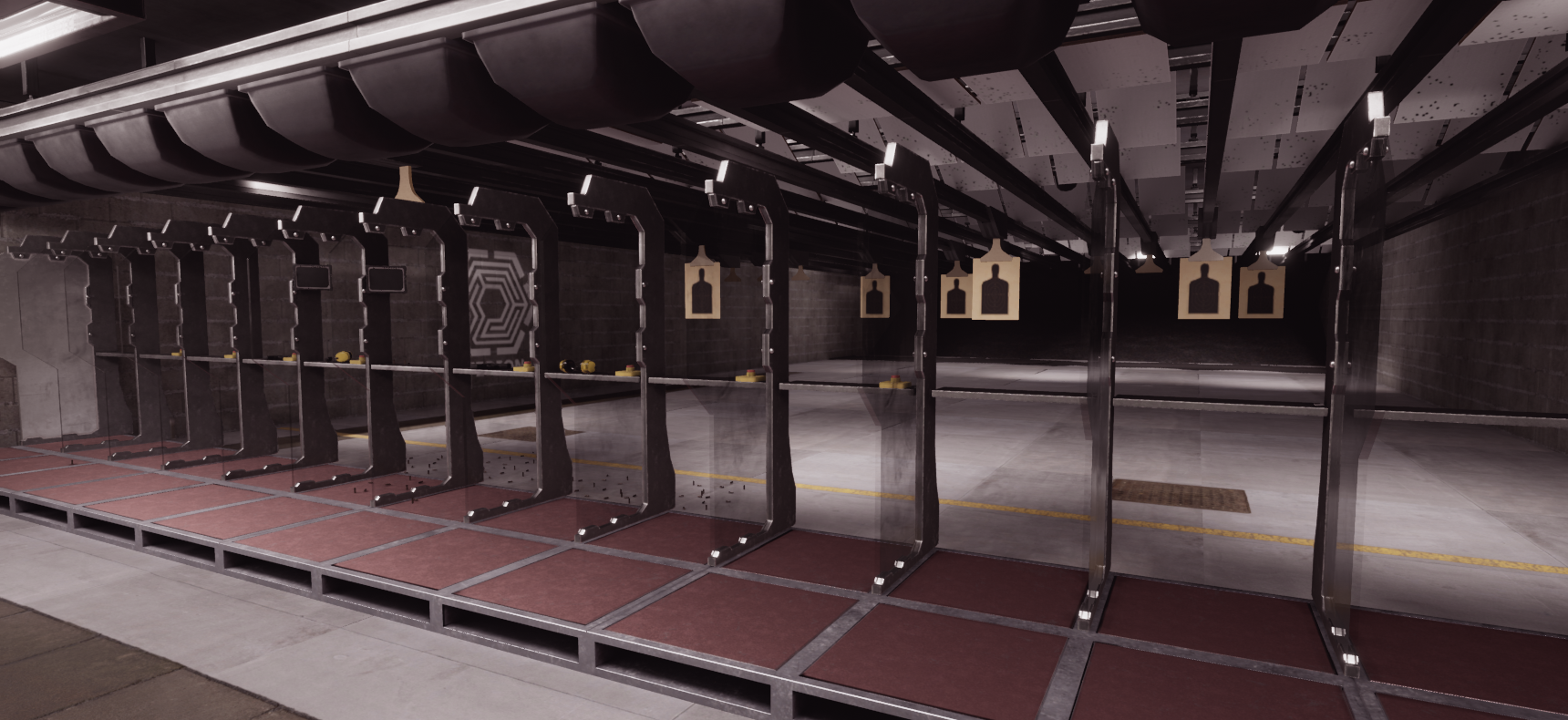
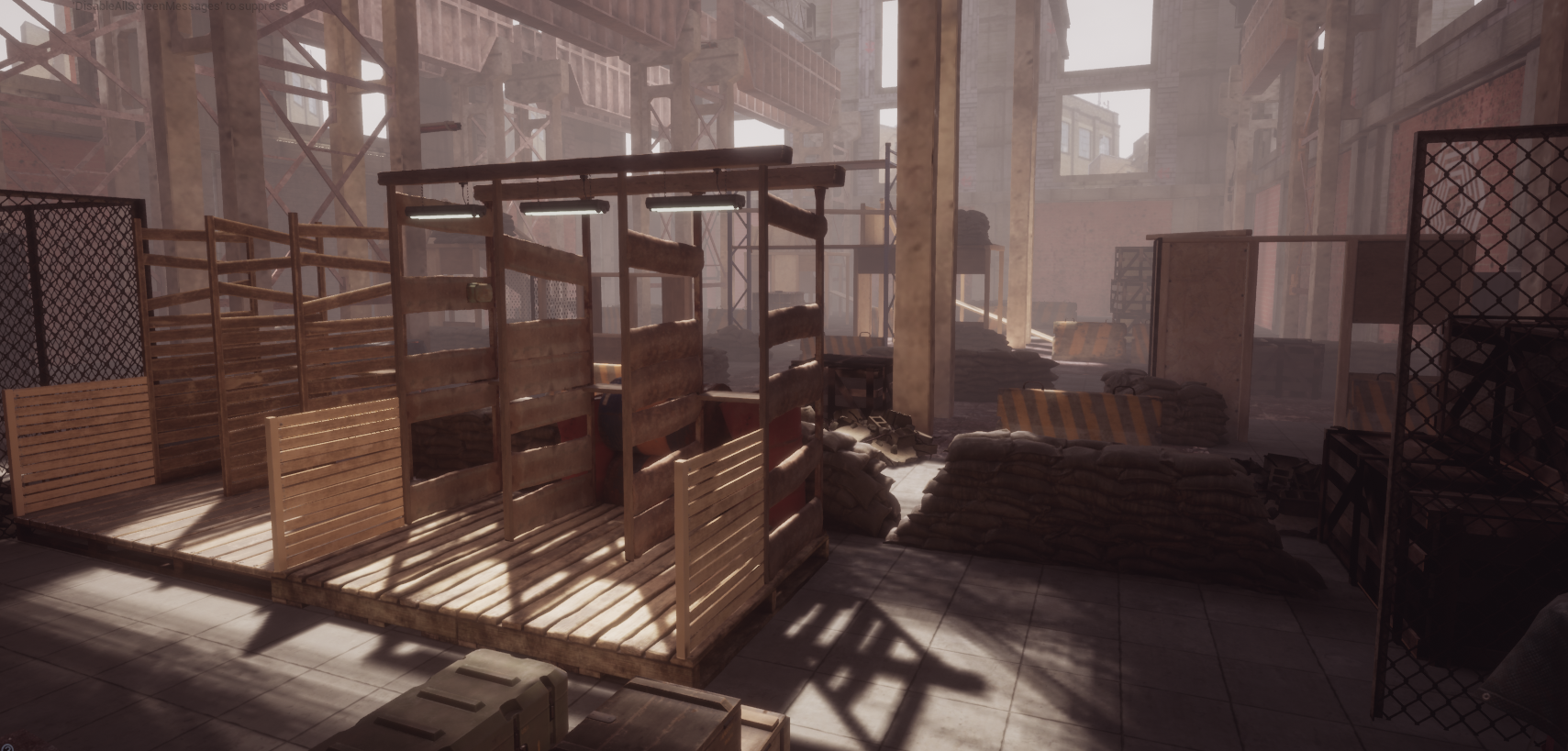
Scenario Selection
- The next screen allows you to choose your environment and scenario. The relevant selection area is highlighted in the red box.

- You can also set a countdown to delay the scenario start, highlighted in the yellow box.
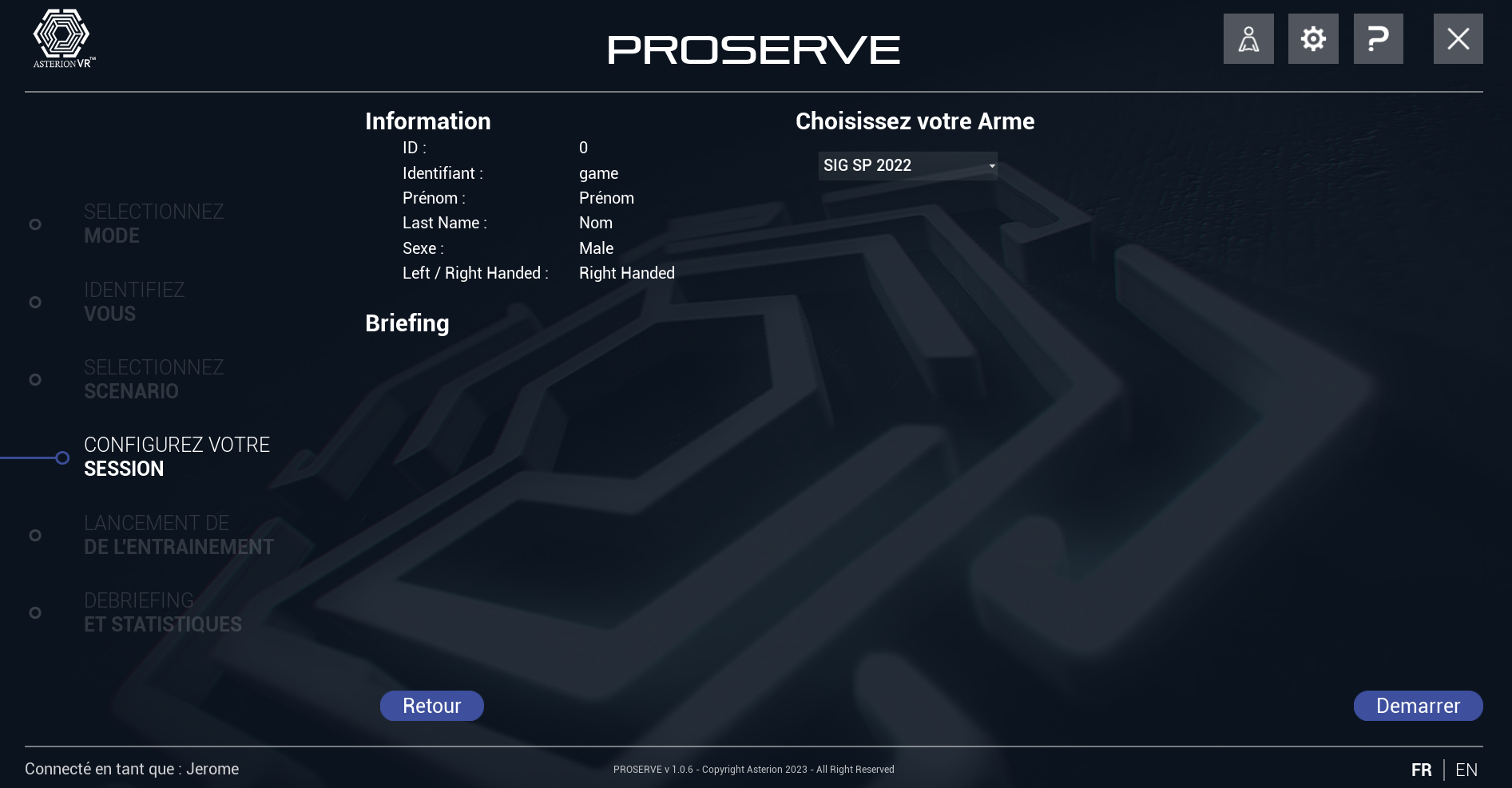
Scenario Configuration
- The next screen presents a summary of your information and prompts you to choose your weapon. Ensure the selected weapon corresponds to the one you will use for training.
- Click on the "Start" button to begin the training session.
- Once started, the display will switch to virtual reality, while showing a real-time view on the laptop screen.
Mission
- Follow mission objectives