Last Checks
Before launching PROSERVE
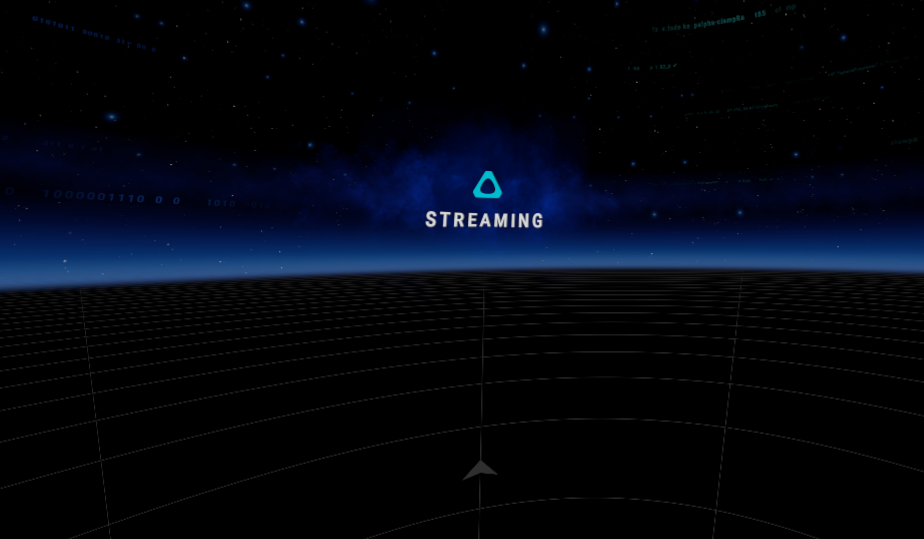
1. Verify the Vive Business Streaming (VBS) Environment
- Ensure you are in the VBS environment.
- Confirm that no error messages are displayed on the screen.
2. Check the Trackers
- Verify that the trackers are floating in their 3D positions within the virtual space.
3. Confirm 3D Ground Height Alignment
- Ensure the 3D ground height (represented by a grid) matches the real ground level.
- Place the replica on the ground to verify alignment.

Troubleshooting Ground height Issues
If the 3D ground height does not match the real ground:
- Put the headset on standby by performing a quick double-tap on the rear power button.
- Remove the headset and then put it back on.
-
While wearing the headset:
- Look around your environment
- Slightly tilt your head downward and focus on the floor to assist calibration.
⚠️ Note: Having a table or other large object directly in front of you may interfere with calibration.
-
Once the headset comes out of standby, turn the wrist trackers back on.
LAUNCH PROSERVE !